The short answer: you are not locked out
The short answer: FirmLinks doesn't lock you out while setup is unfinished. You can create an engagement, message a firm, answer an invitation and look around from the first minute. What an unfinished setup costs you is usefulness, not access — and there's exactly one step that genuinely can't be started yet.
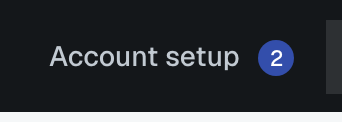
The badge isn't a warning
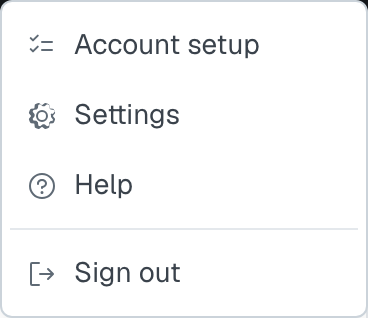
Account setup sits in the top bar with the number of items remaining, and it's there until the list is finished. It's a reminder, not a block. You can also reach the list any time from the account menu.
The one real lock
The AI scan step waits for your service lines. It matches what it finds against the catalogue of services for your service lines, so until you've chosen at least one line there's nothing for it to match against. The step is visible, greyed, and says so in its own words. Choose your service lines and it unlocks.
That's the only step in the list that waits on another.
What's missing rather than locked
Screens can look shut when they're only empty:
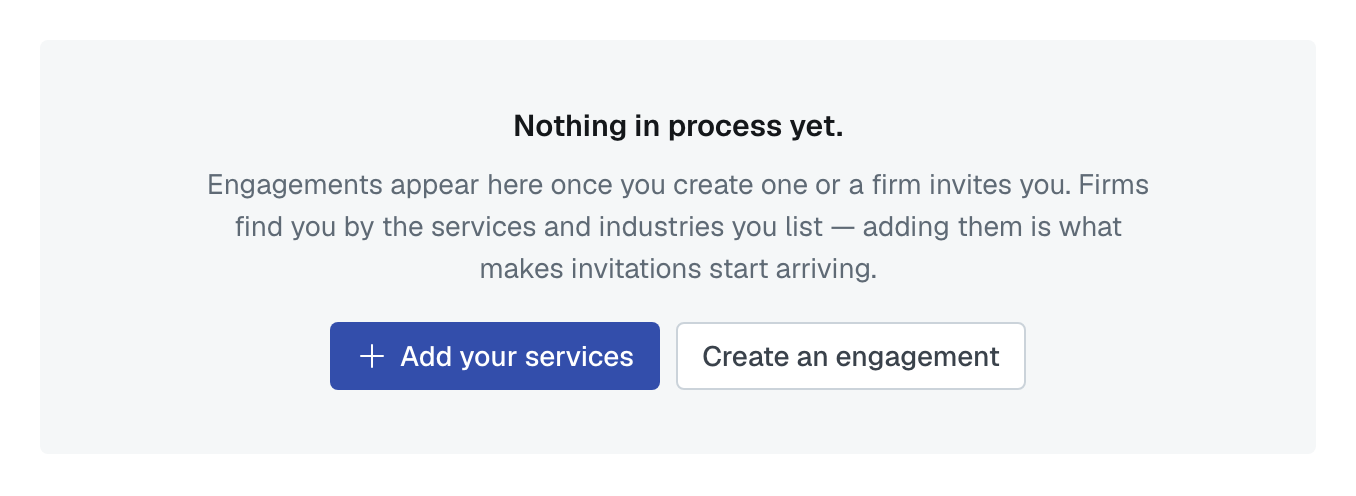
- Your dashboard and lists are empty because nothing has happened yet, not because they're disabled.
- Other firms can't find you until your services, industries and locations are filled in. That's how matching works — a firm with no services matches nothing, so it appears in nobody's results.
- You can't invite a colleague at an unverified domain. That one is a refusal with a reason: verify the domain and the invitation goes.
- Some steps aren't offered on your plan. Open networking is the usual one. The row isn't drawn at all rather than shown locked, so the count stays honest.
Nothing has to be finished in one go
Leave halfway through and nothing is lost. A step is complete when somebody marks it, and un-marking is always available — so a step ticked by accident isn't a one-way door.
If the badge is stuck at one remaining, it's usually your own profile or your own calendar step: both of those are per person, so your colleague finishing them doesn't finish them for you.
Was this article helpful?
That’s Great!
Thank you for your feedback
Sorry! We couldn't be helpful
Thank you for your feedback
Feedback sent
We appreciate your effort and will try to fix the article