What a domain is, and why verifying it matters
A domain is the part of your firm's email address after the @. Verifying one proves the domain belongs to your firm, and two things depend on it.
You can only invite colleagues at a verified domain. Adding a user whose email is at an unverified domain is refused, and the message names the domains you can use.
Domain sign-ups only work on a verified domain. If you turn that on, anybody with an email address at your verified domain can join your firm without an invitation.
The domain you signed up with is already verified — so a brand-new firm can invite same-domain colleagues immediately. You add more if your firm uses several (a trading name, an advisory arm, an acquired practice).
Adding one
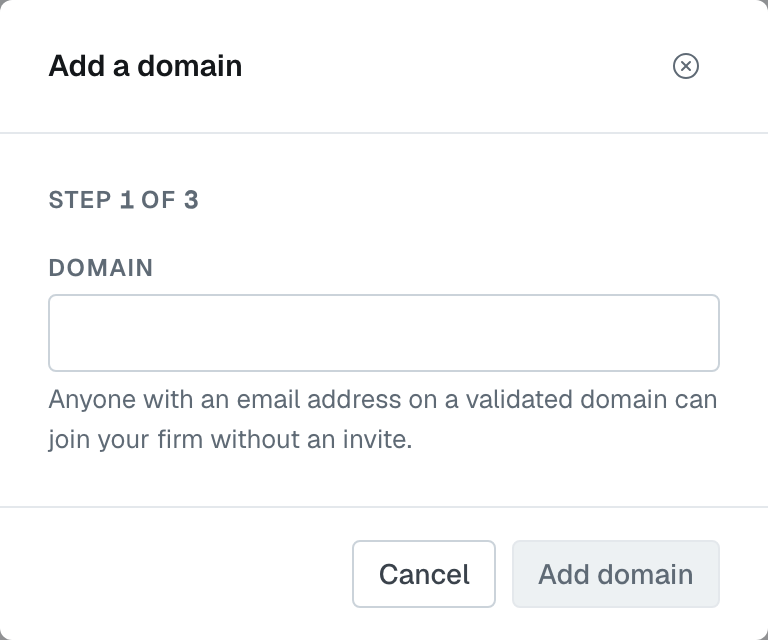
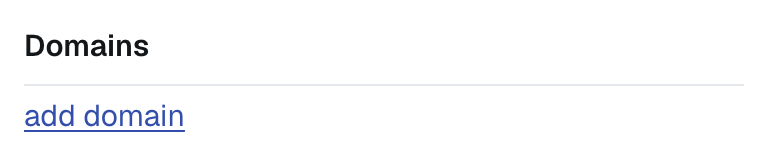
Domains live on your firm profile — during setup, and afterwards at Settings › My Firm. Choose add domain and type the bare domain — yourfirm.com, not a full web address and not an email address. It's a three-step dialog: the domain, then the code request, then the code. Only an admin can do this.
Two things get refused here:
- A personal email provider. Gmail, Outlook.com and the like are not anybody's firm domain.
- A domain already in use by another firm on FirmLinks. If that's your domain and somebody else has it, contact support.
Proving it's yours
Next to the domain, choose Validate. You'll be asked for an email address at that domain — any real inbox you can open, you@yourfirm.com or admin@yourfirm.com. We email a six-digit code there and the row shows Awaiting code, naming the address it went to.
The email shows the code as two groups of three digits, for example 482 913. Enter the code, with or without the space, and the domain flips to Validated.
- The code expires in five minutes. Press Validate again for a new one.
- There's a one-minute wait between sends. If you press it twice quickly, the second press sends nothing and the first code still works.
- The address you give has to be on the domain being verified — that's the whole proof.
Removing one
An unvalidated domain can be removed whenever you like. A validated one can't: it routes sign-ups and makes your firm findable, so removing it is a bigger change than the button suggests. Contact support if a verified domain genuinely needs to come off.
Was this article helpful?
That’s Great!
Thank you for your feedback
Sorry! We couldn't be helpful
Thank you for your feedback
Feedback sent
We appreciate your effort and will try to fix the article