Why your profile is worth the time
Your firm profile is what another firm reads before it decides whether to invite you. It's also what matching uses, so a blank profile costs you work you'd otherwise have been asked about.
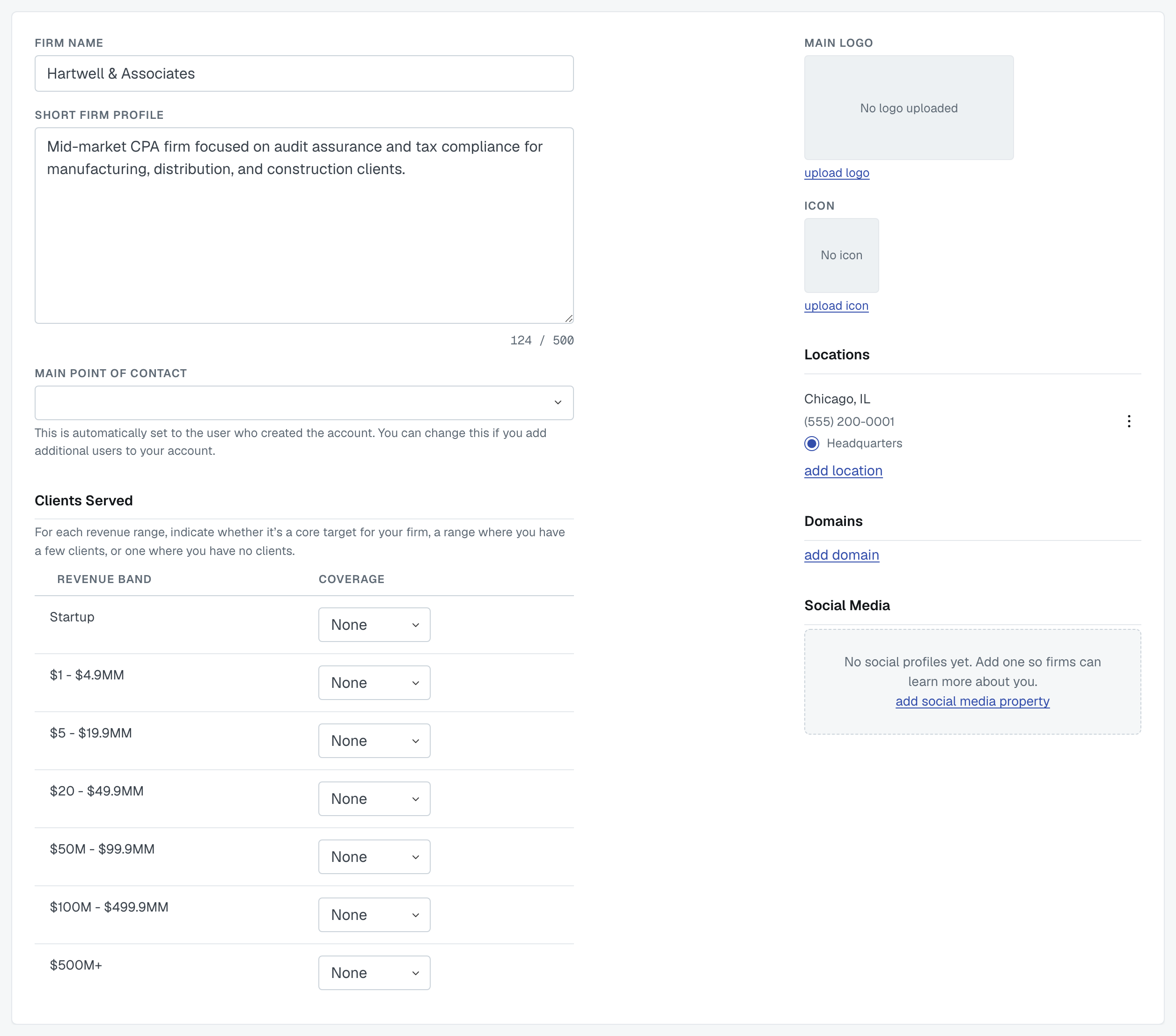
It's the Update your firm profile step of setup, and the same form lives at Settings › My Firm afterwards — during setup it saves with Save and continue, later with Save Profile. An editor or an admin can change it.
What's on it
Firm name.
Short firm profile — a few sentences about your firm. 500 characters maximum, and the form counts down; over that, it won't save until you shorten it. Write it for a peer firm deciding whether to hand you a client, not for a brochure.
Main point of contact — set to whoever created the account. Change it once you've added colleagues.
Clients served — for each revenue band, from Startup up to $500M+, say whether it's Core (a target for your firm), Few (you have a client or two there) or None. This is used in matching, so answering honestly gets you fewer wrong invitations.
Main logo and icon — the logo appears on your profile; the icon is the small square mark used next to your firm in lists. Both can be replaced or removed.
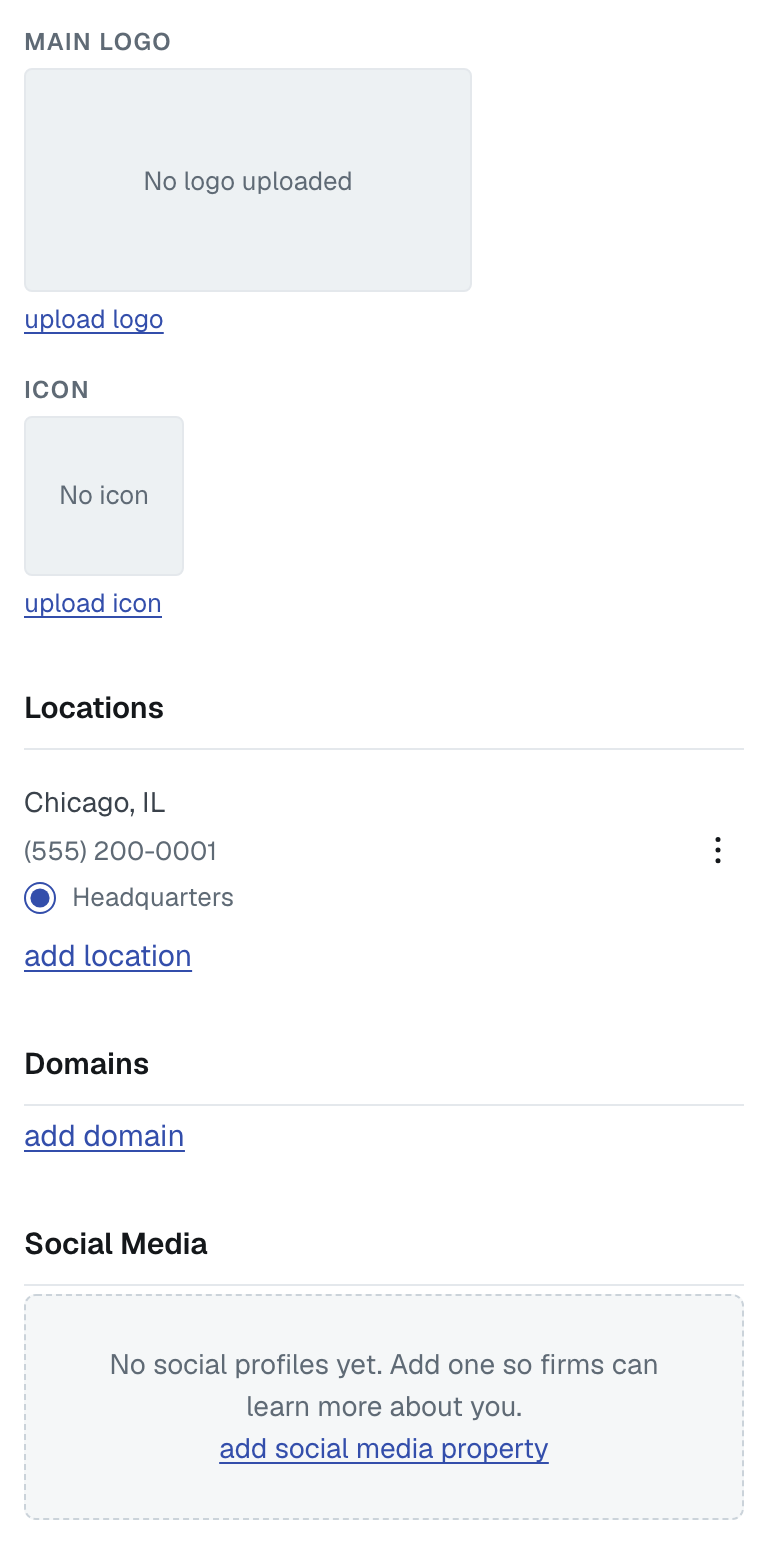
Locations — street address, city, state, country and a phone number, with one marked Headquarters. Add every office you actually staff: location is part of matching, and a firm looking for someone in your city will not find an office you didn't enter.
The State field (State / Region outside the US) is a text box in every country, so type the state in. When you edit an office it opens showing what's stored — which may be the short form, such as GA for Georgia, because FirmLinks shortens a state it recognises.
Domains — your firm's email domains, with their verified state. See Verify your firm's website domains.
Social media — optional links so firms can read more about you.
If the AI scan filled this in
Read it before moving on. The scan is good at the description and the offices and can be confidently wrong about both. Anything you change here sticks — the scan doesn't run again on its own.
Was this article helpful?
That’s Great!
Thank you for your feedback
Sorry! We couldn't be helpful
Thank you for your feedback
Feedback sent
We appreciate your effort and will try to fix the article