Where your sent invitations live
Invitations Sent is the other side of the coin: invitations your firm has sent to other firms, and where each one stands.
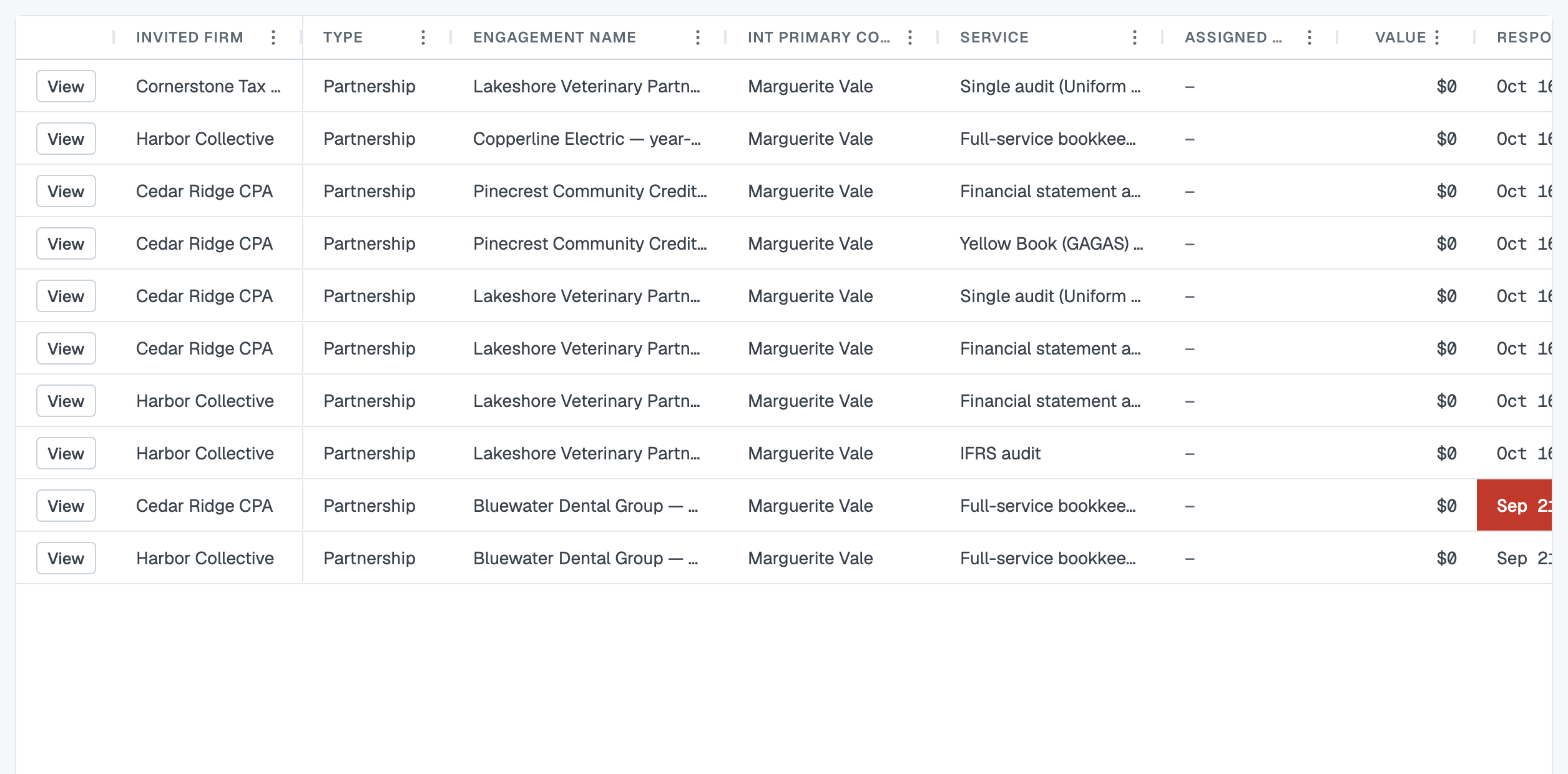
One row per firm, per service
Invite four firms onto two services and you'll see eight rows. That's the grain the app actually works in: each firm answers each service separately, so each pairing has its own status.
Each row shows the invited firm, the kind of arrangement, the engagement, your primary contact, the service, who's assigned, the value, the Respond By date, the Invitation Status, the Engagement Status and the date you sent it.
Reading the counters

Across the top: Invited · In Review · Accepted · Awarded · Declined · Passed · Canceled. They're the fastest read on a busy week:
- Invited — sent, nobody has answered. If this sits high for days, chase people in the engagement's message channels.
- In Review — they've opened it, or put somebody against it. Movement.
- Accepted — waiting on you. These are the ones to award.
- Awarded — done, work placed.
- Declined — they said no, sometimes with a note you can read on the invitation.
- Passed — you awarded somebody else on that service.
- Canceled — you called the invitation off with Cancel Invite, or cancelled the service itself.
An award that later ends — Terminated by you, or Withdrawn by the firm — has no counter of its own; Understand service statuses explains both.
Showing only the ones that are yours

Two different questions hide inside the word "mine", and the page answers them with two different controls.
Invitations on engagements I look after is the Scope control. My engagements keeps the rows where you are one of your firm's named contacts on the engagement; All shows everything your firm has sent. Admins arrive on All and everybody else on My engagements, and whichever you used last is the one you come back to.
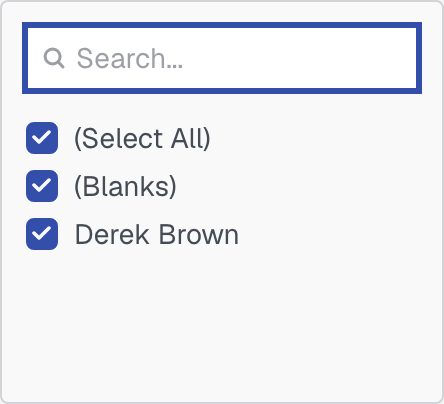
Invitations with a particular person against them is the Assigned To column. There is no separate employee dropdown: open that column's three-dots menu in the grid header and filter it to the person you want. The counters across the top re-count as you do, so they always describe the rows you are actually looking at. Int Primary Contact filters the same way when you want the rows a named colleague is the contact for. Reset filters clears the lot, column filters included, and is greyed out when there is nothing to clear. See Saved views, filters and paging.
Whatever combination you end up with can be kept as a saved view, so "everything still unanswered past its reply-by date" is one click rather than four.
Acting from here
View opens the engagement at the service in question, which is where the actions live: award a firm, cancel an invitation, invite more firms, message anyone involved.
Two things worth remembering:
- Awarding one firm passes the rest automatically on that service. You never need to decline the others.
- Cancelling an invitation calls it off and leaves the record, showing as Canceled. It's not the same as Passed, which means you chose somebody else.
Nothing chases for you
The Respond By date is shown to the invited firm and to you, and that's all it does — no reminder emails, no automatic expiry, no status change when it passes. Following up is yours, and the engagement's message channels are the place to do it.
Was this article helpful?
That’s Great!
Thank you for your feedback
Sorry! We couldn't be helpful
Thank you for your feedback
Feedback sent
We appreciate your effort and will try to fix the article