You describe the job, the assistant fills the form
An engagement is one piece of client work you want help with. You don't fill in a long form to create one — you describe the job in your own words and an assistant fills the form in as you talk.
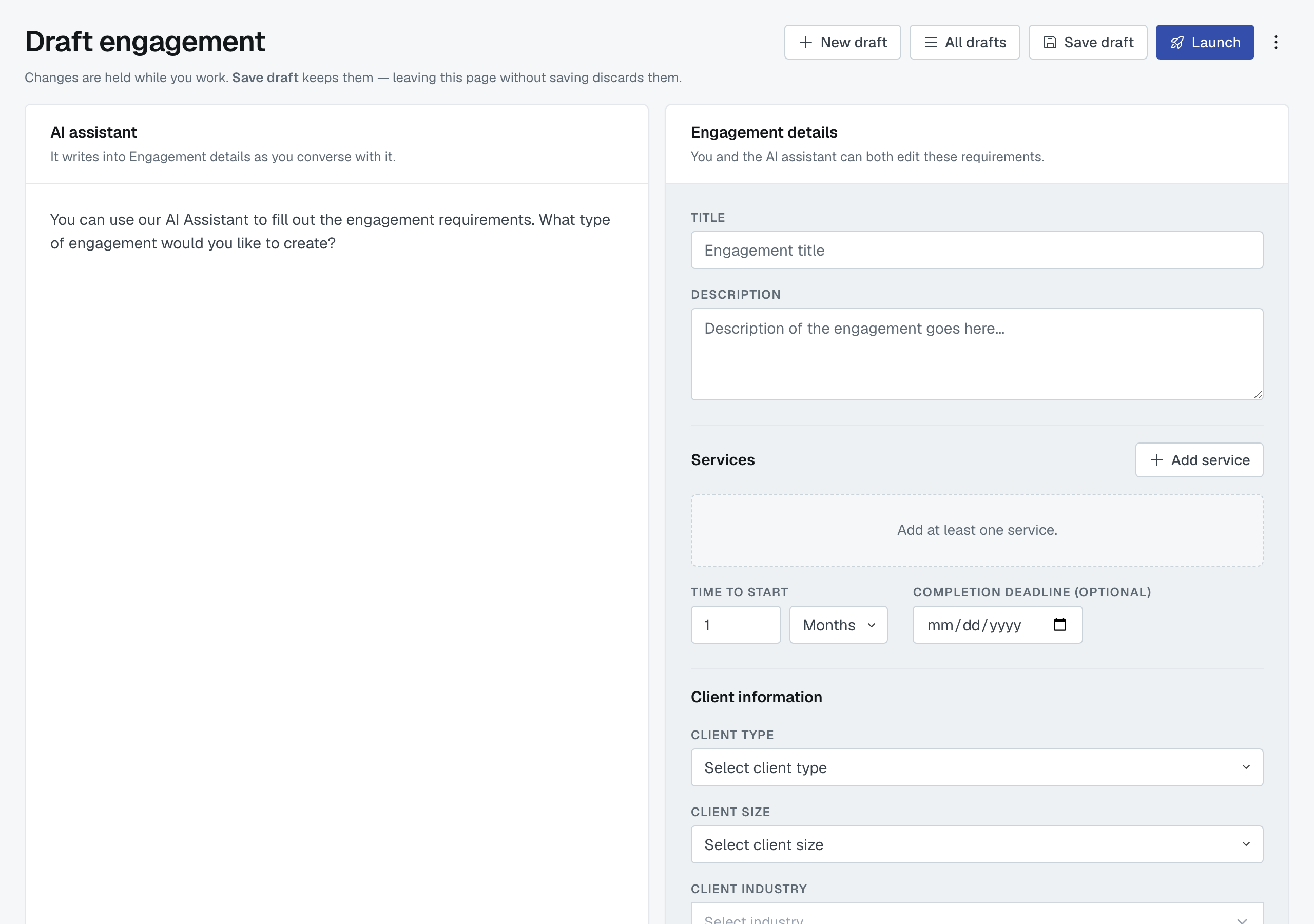
Start talking
Choose New engagement and type what you'd tell a colleague. Something like:
I have a client that is a real estate company that owns several apartment complexes. They need a full audit for their bank, and we need help with that. As part of the audit we're also doing a cost segregation study on one of the buildings. The client is Billy's Real Estate, about $10 million a year in revenue, and we need to start within two months.
From that, the assistant fills in the client, the services, the timing and anything else you mentioned, and then asks about what you left out — the partner's role, whether location matters, which kind of arrangement each service should be.
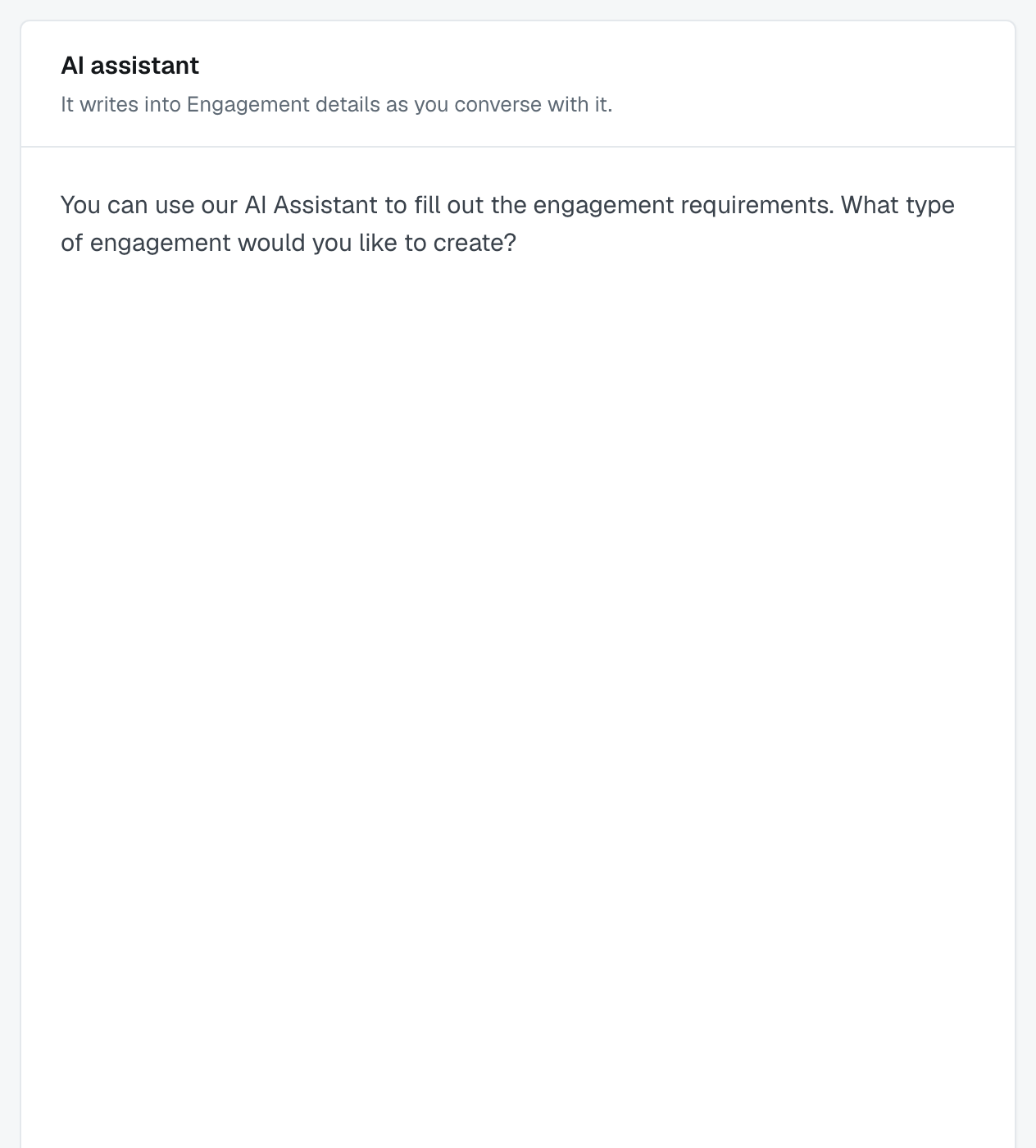
You can also edit the form directly at any point. The conversation and the form are two views of the same engagement, not two records.
Enter sends your message, or press Send; Shift + Enter starts a new line.
Speaking instead of typing
The microphone button beside the message box records you instead. While it records, the message box is replaced by Recording… with a running clock and two buttons:
- Stop and use it turns what you said into text and puts it in the message box. Nothing is sent yet — read it, correct it, then press Send.
- Cancel throws the recording away. Pressing Escape does the same. Anything you had already typed is kept either way.
How the assistant chooses services
It starts from your own firm. The assistant works from the service lines your firm has chosen, and assumes the client is in your firm's country, unless you tell it otherwise. If your firm hasn't chosen its service lines yet, it works from every service line for your country.
It asks before looking further afield. If the work sounds like it belongs to another profession, or the client is in another country, the assistant adds nothing from there and asks first — for example, "I can see you're US-based, but this client is in Canada. Should I use the Canadian accounting catalog?" Your answer stands for the rest of the conversation, so it won't ask about the same catalog again.
It doesn't guess when you're vague. If what you describe could be several services — "tax work", say — the assistant adds one broad area of work rather than several specific guesses, and asks which kind you mean. A broad area is a perfectly good line on its own: narrowing it too far would leave out firms that could do the work.
A service you remove stays removed. Take a service off the form and the assistant won't add it back unless you ask for it.
It tells you when it has left something out. When the assistant doesn't add a service it was about to, or takes one off the form, it says so in the same reply — for example, "I left Payroll services out because you removed it earlier," or "I removed Payroll services from the form." If a service would need a catalog you haven't agreed to use, the reply says that too, and a yes is all it takes.
The five kinds of arrangement
Each service on the engagement is one of:
- Partnership — a partner firm works alongside you on it.
- Referral — you hand the work over entirely.
- Consultation — you bring a firm in for a one-off opinion.
- Internal Assignment — one of your own employees does it; no other firm is involved.
- Firm Vendor — a firm you already use as a supplier.
Each service can be different: partner on the audit, refer the cost segregation study.
Drafts, and what "held" means
The header says it plainly: changes are held while you work, Save draft keeps them, and leaving the page without saving discards them. Save often.
A draft is yours alone. Colleagues — including admins — can't see it, and it appears on nobody's list until you launch it. All drafts takes you back to yours, and Delete draft removes one.
Launch
Launch turns the draft into a real engagement and takes you to a confirmation page with your next moves — see What happens after you launch an engagement. Nothing has been sent to any firm yet at that point: launching creates the engagement, inviting firms is a separate, deliberate step.
If you don't see New engagement
Creating engagements needs Pro Membership. On Free, your firm is matched to engagements your connections and groups create and you can collaborate on them fully — you just can't originate one. Settings › Subscription says what Pro costs; creating your own engagements, creating your own groups and open networking are the three things it adds.
Was this article helpful?
That’s Great!
Thank you for your feedback
Sorry! We couldn't be helpful
Thank you for your feedback
Feedback sent
We appreciate your effort and will try to fix the article