Signing in
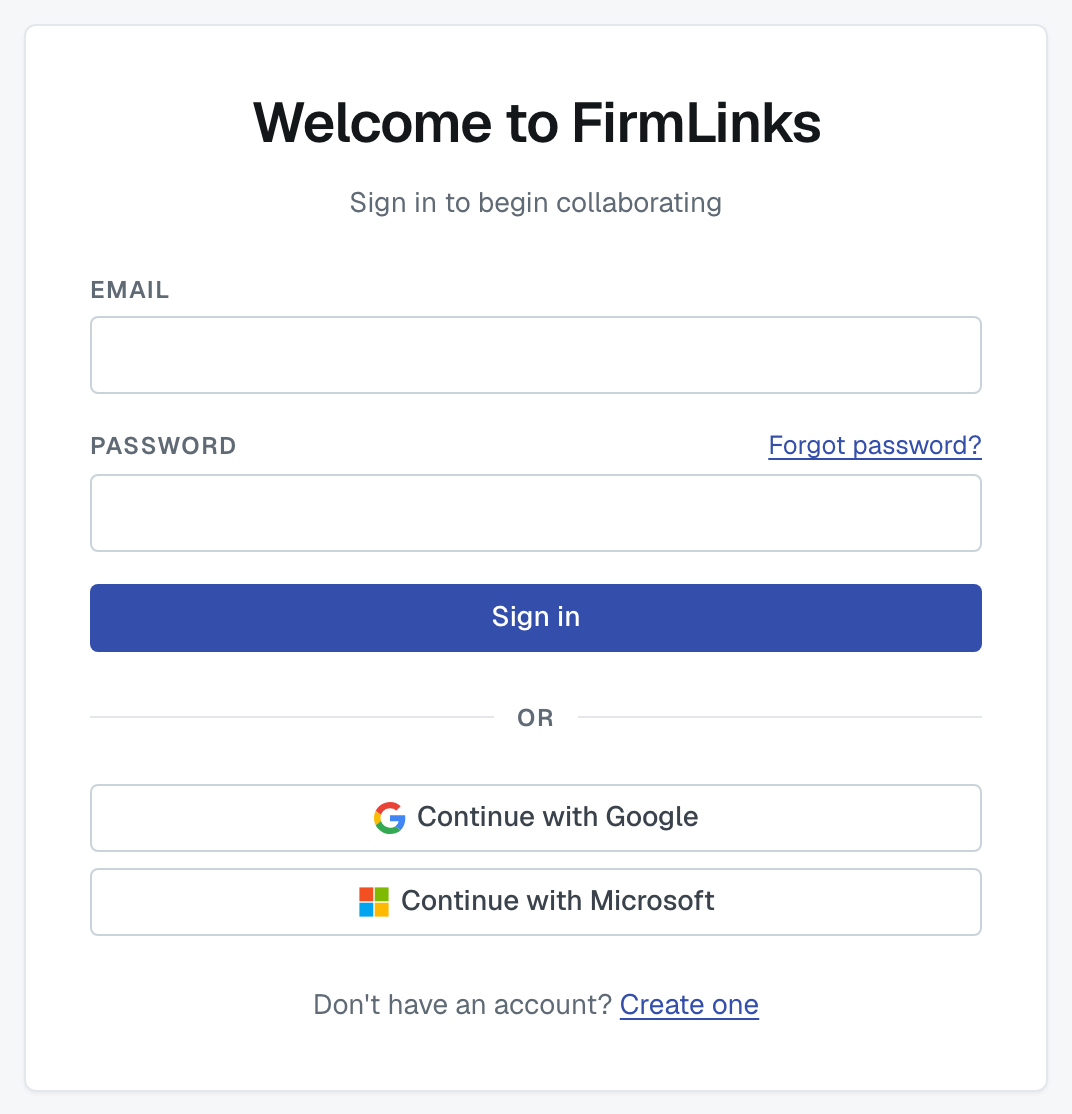
Sign in with the email address and password you created, or with Continue with Google or Continue with Microsoft if that's how your account was set up.
"We could not sign you in"
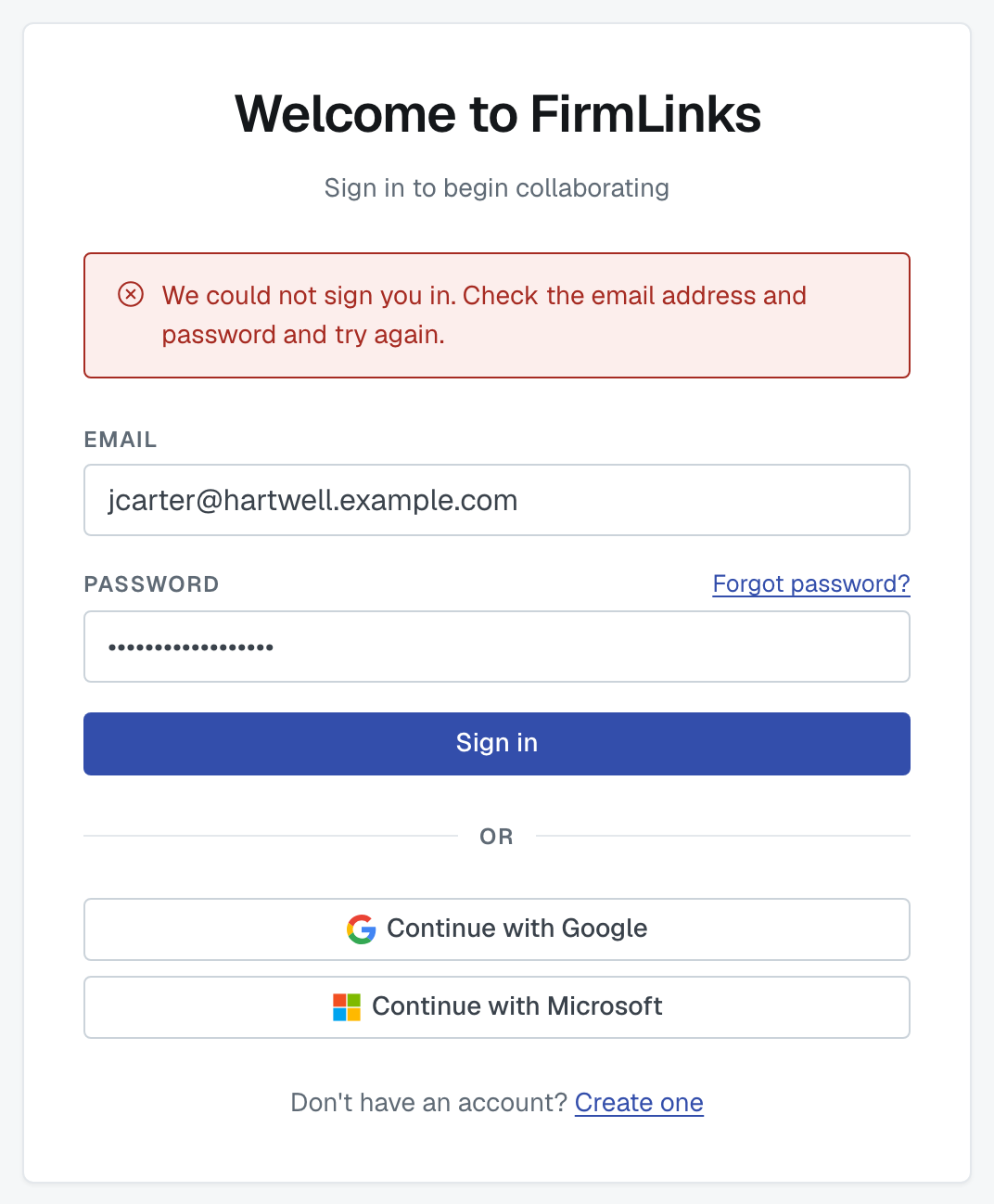
The message is deliberately the same whether the address is unknown or the password is wrong — we won't confirm to a stranger whether an address has an account here. So check both halves:
Is the email exactly the one you signed up with? It isn't case-sensitive, but a typo or a different address at the same firm will both fail.
Are you sure it's a password account? If you originally signed up with Google or Microsoft, there is no password to type. Use the matching button instead. This also happens the other way round: if you started with a password and later signed in with Google using the same address, your account switched to Google and the old password stopped working.
Forgotten it? Use Forgot password? — see Reset your password.
Other reasons a sign-in is refused
Your account was deactivated. An administrator at your firm can turn accounts off. Ask one of them to reactivate you.
Your firm's subscription was cancelled. Then the whole firm is refused, on every screen, not just yours. An administrator at your firm — or our support team — can restore it.
You're brand new and haven't confirmed your email. Finish that step first; the six-digit code is what turns a half-finished signup into an account.
Still stuck
Reply to any FirmLinks email or contact support with the address you're trying to use. Don't send us your password — we can't read it and we'll never ask for it.
Was this article helpful?
That’s Great!
Thank you for your feedback
Sorry! We couldn't be helpful
Thank you for your feedback
Feedback sent
We appreciate your effort and will try to fix the article