Start from the link in your email
If somebody at your firm added you to FirmLinks, you'll have an email with a link in it. That link is the whole signup — it's quicker than the public form, and it puts you in the right firm.
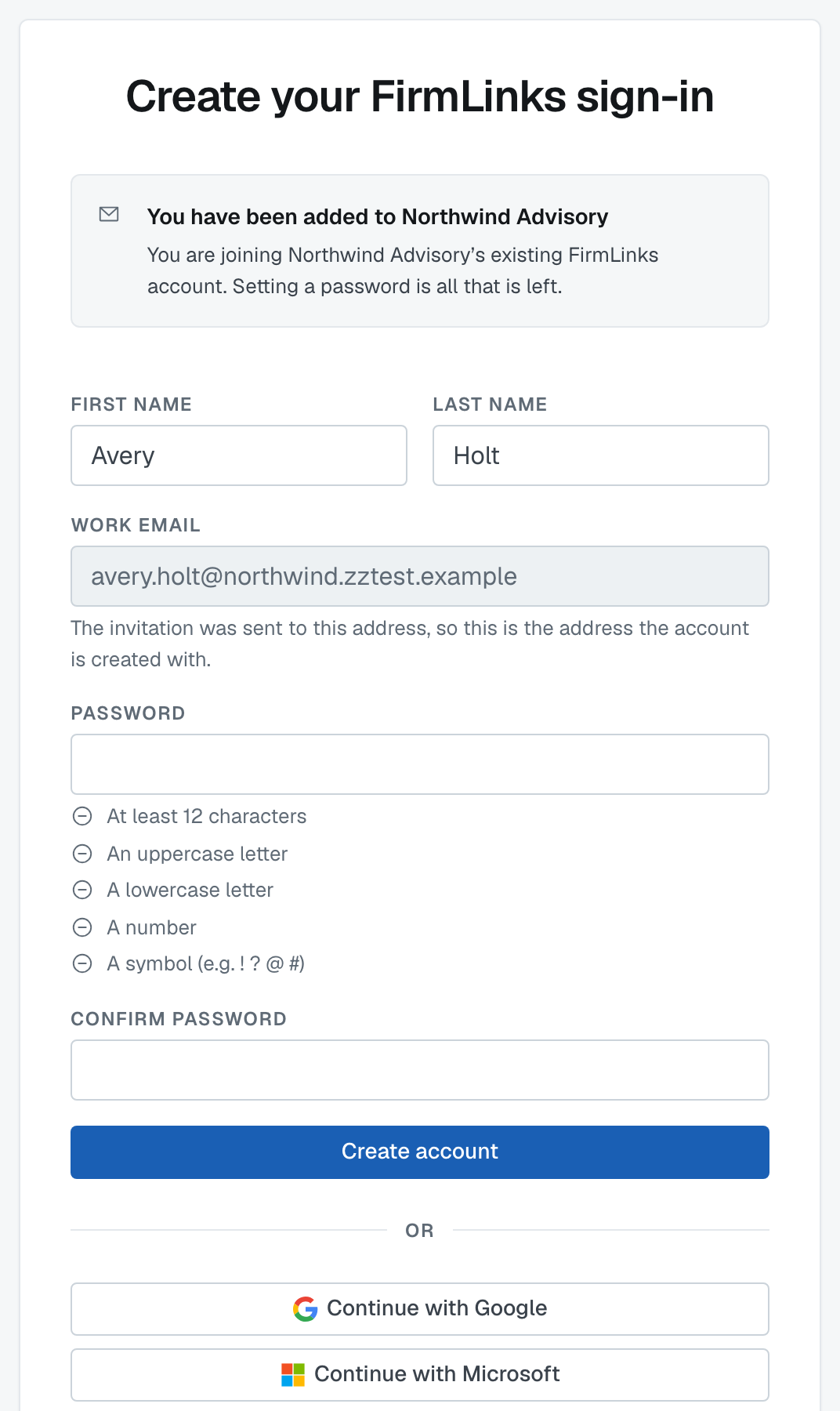
What the link does
Open it and you'll see a short form with your name already filled in and your email address fixed — the address the invitation was sent to. It isn't editable, because the invitation is what proves the address is yours; letting the box be changed would let a forwarded invitation create somebody else's account.
Set a password (at least 12 characters, with an uppercase letter, a lowercase letter, a number and a symbol), correct your name if whoever invited you got it slightly wrong, and finish.
There's no six-digit code on this route. You clicked a link sent to your own inbox, which proves the address as well as a code would.
You'll land on a short two-item list of things to do, and you're in — your firm, its services and its engagements are already there. You don't choose a plan: you're on whatever plan your firm already has.
The link only works once
It's single-use. If you've already used it, sign in normally instead.
If it's expired or was already used and you still can't get in, ask the person who invited you to send another one. A new invitation replaces the old link.
Two other ways you might arrive
Your firm was set up for you by an alliance or a partner firm. Then your link goes to a slightly different page, but the effect is the same: your account and your firm already exist and you're setting your password.
Nobody invited you, but your firm is already on FirmLinks. Sign up with your work email at the public form. Because your email domain matches the firm, you'll be asked Join <firm>? after confirming your address — or, if that firm has domain sign-ups switched off, its administrators are emailed and one of them adds you.
If the link says it's no longer valid
That message means exactly that: the invitation was used, replaced by a newer one, or withdrawn. Nothing is wrong with your email address. Ask for a fresh invitation.
Was this article helpful?
That’s Great!
Thank you for your feedback
Sorry! We couldn't be helpful
Thank you for your feedback
Feedback sent
We appreciate your effort and will try to fix the article