Asking for a reset code
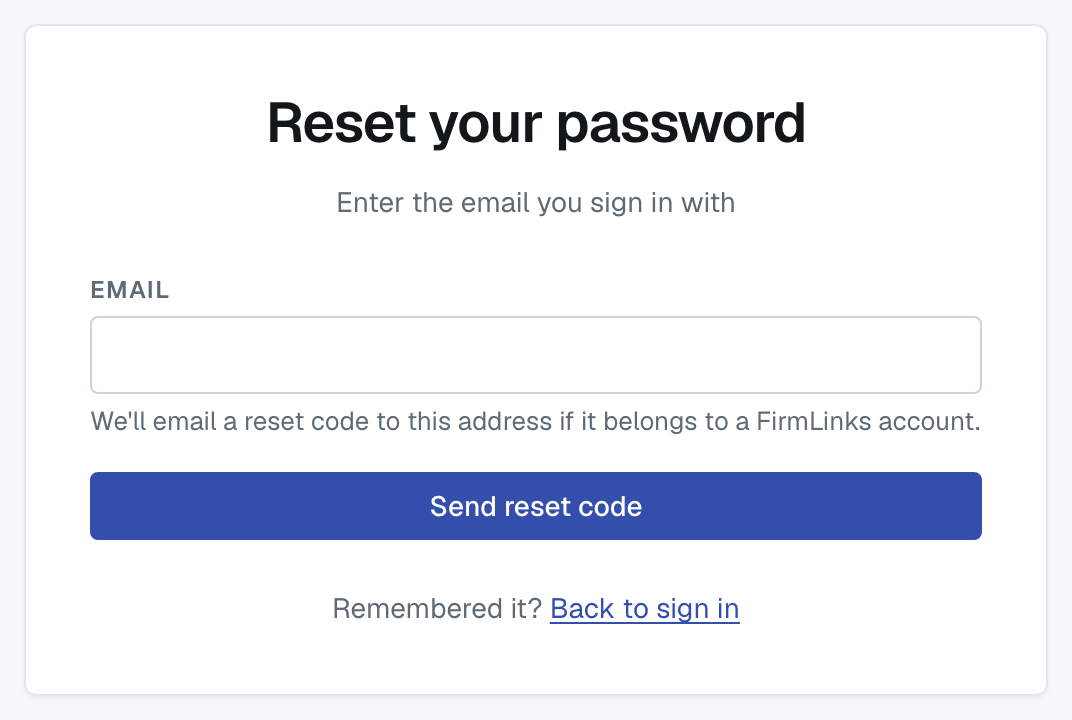
On the sign-in screen, choose Forgot password?, enter the email address you sign in with, and submit.
What you'll see, and why it's vague
The screen always says the same thing: if that address belongs to a FirmLinks account, a code is on its way. It says that whether or not the address is one of ours, on purpose — otherwise the page would tell anybody who typed an address whether your firm uses FirmLinks.
So if no email arrives, the likely reasons are:
- The address isn't the one on your account. Try the other one you might have used.
- Your account signs in with Google or Microsoft. There's no password to reset. Use the provider button on the sign-in screen instead. If you reset anyway, you'll be told the account uses social sign-in when you submit the code.
- It's in spam, or your firm's mail filter held it.
Using the code
Enter the six-digit code from the email and your new password. The email shows the code as two groups of three digits, for example 482 913; you can type it with or without the space.
- The code lasts 15 minutes.
- Five wrong guesses kills it — request a fresh one.
- Asking for another code waits a minute between sends.
- The new password needs the same five things as at signup: at least 12 characters, an uppercase letter, a lowercase letter, a number, and a symbol.
Once it's accepted you're signed in with the new password. Any other sessions you had stay signed in until they expire.
If you know your password and just want to change it
You don't need this flow — do it from My Profile while you're signed in. See Update your own profile and password.
Was this article helpful?
That’s Great!
Thank you for your feedback
Sorry! We couldn't be helpful
Thank you for your feedback
Feedback sent
We appreciate your effort and will try to fix the article