Who this page is for
This is for the first person from a firm to join FirmLinks. If a colleague or another firm sent you an invitation email, follow that link instead — see Join your firm from an invitation.
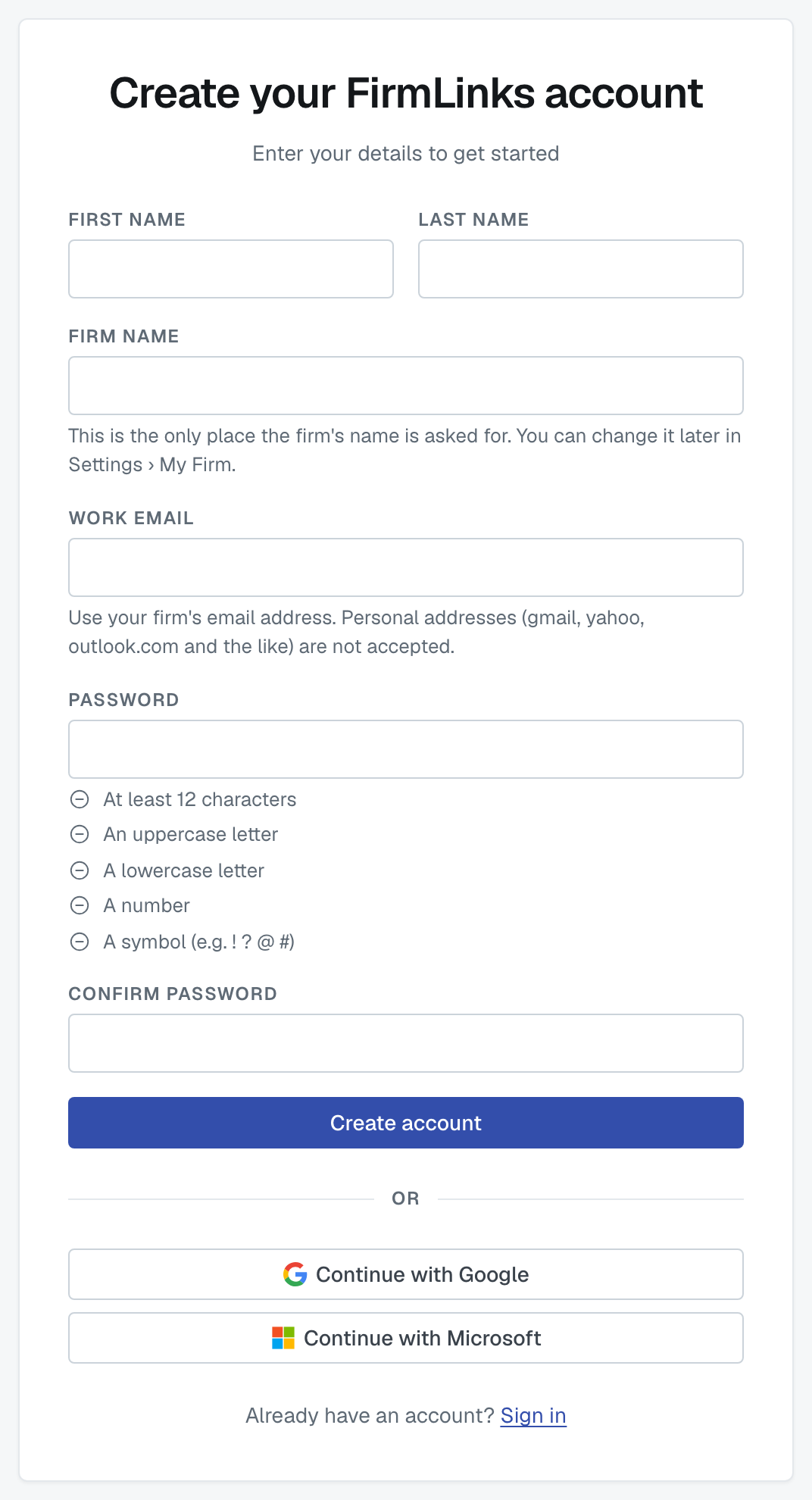
What the form asks for
Your first and last name, your firm's name, your work email address, and a password (twice).
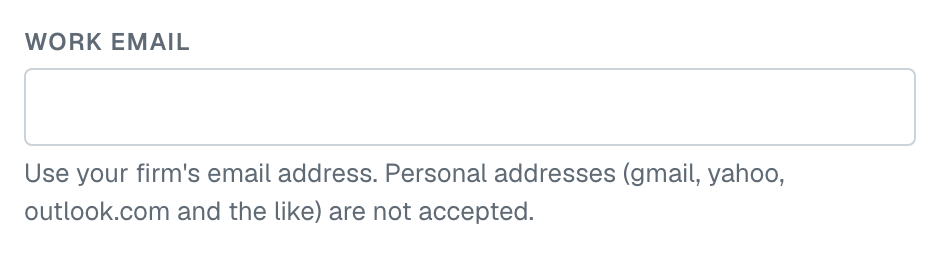
It has to be a work email. Personal providers — Gmail, Yahoo, Outlook.com, Proton and a long list of others — are turned away with "Please use your work email address — personal email providers aren't supported." FirmLinks matches firms to each other, and your email domain is part of how your firm is identified, so the address needs to be your firm's own.
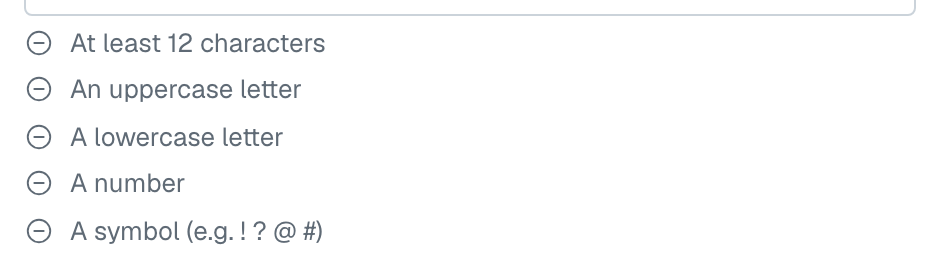
Your password needs all five of these: at least 12 characters, an uppercase letter, a lowercase letter, a number, and a symbol. You'll be told which requirement is missing rather than just "invalid".
Confirming your email
After you submit the form we email you a six-digit code, shown as two groups of three digits (for example 482 913). Type it into the one box on the next screen, with or without the space, and press Confirm email.
- The code is good for 15 minutes.
- After five wrong guesses the code stops working. Ask for a new one — a fresh code clears the count.
- Resend waits a minute between sends, so if nothing arrives immediately, give it a moment before pressing it again. Check your spam folder too.
If you sign up with Google or Microsoft, there's no code. Your provider has already proved the address, so you go straight through.
What happens next depends on your email domain
Once your address is confirmed, one of these follows:
Your firm is new to FirmLinks. We create it, you become its admin, and you're asked to choose a plan. From there you land on the setup checklist.
Another firm on FirmLinks already uses your email domain. We ask you first — Join <that firm>? — and nothing is written until you say yes. Nobody is told a firm exists on your domain before your address is confirmed, which is why this question comes after the code and not before it.
That firm doesn't accept sign-ups from its domain. Then we don't add you. We email the firm's administrators that you asked to join, and one of them adds you. You'll get an email when they do.
That firm's account was cancelled. You'll be offered the chance to reactivate it if you're allowed to, and told who to ask if you aren't.
If the email address is already in use
You'll be told the address already has an account. Sign in instead — or, if you don't remember the password, reset it.
Was this article helpful?
That’s Great!
Thank you for your feedback
Sorry! We couldn't be helpful
Thank you for your feedback
Feedback sent
We appreciate your effort and will try to fix the article