Why the conversation lives on the engagement
Every engagement carries its own conversations, on its Messages tab. Using them instead of email means the whole thread sits next to the work it's about, and whoever picks the engagement up later can read it.
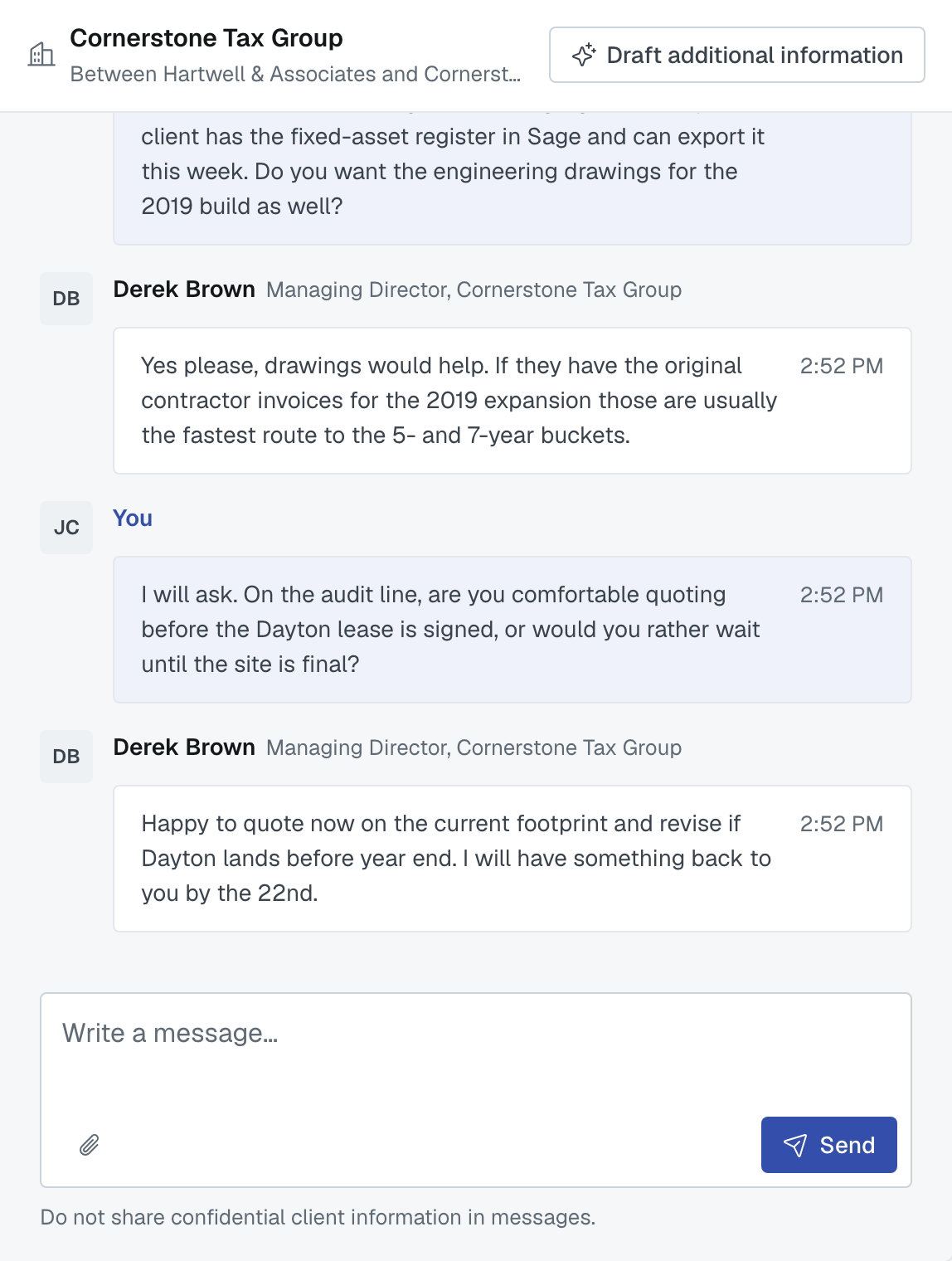
The four kinds of channel
All Contacts — everyone on the engagement, across all firms. It appears once firms have been awarded work; a firm that is only invited doesn't see it.
One channel per invited firm — you and that firm, privately. This is where most of the real conversation happens: scope questions, timing, price.
Direct messages — one person to another. Created the first time you message them.
Your firm's private channel — marked with a padlock, visible only to people at your own firm. For "do we actually want this one?" conversations.
Starting a direct message with someone at another firm
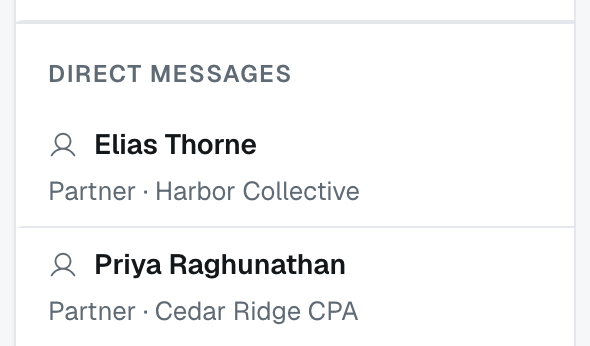
Under the channel list, Direct messages holds more than the conversations you already have. It lists everyone on this engagement you are allowed to write to, whether or not a word has ever passed between you, with each person's job title and firm underneath the name so two people called David at two firms do not get mixed up. Click a name and type. The conversation is created by your first message, not by the click, so nobody is notified because you looked.
Who is in that list follows the same confidentiality rule as the rest of the engagement — Client confidentiality: what other firms see, and when has the fuller picture:
- Your own colleagues who are contacts on the engagement, always.
- If your firm is leading it — every contact at every firm you have invited.
- If you have been invited and nothing has been awarded to you yet — the lead firm's primary contact, and nobody else. A competing firm is not there to write to.
- Once a service has been awarded to you — the lead firm's contacts, plus the contacts at the other firms holding awarded work on the same engagement.
If an alliance's collaboration team is managing part of the engagement on another firm's behalf, the list follows that arrangement instead, so you write to the firm actually doing the work.
⛔ You cannot start a direct message with somebody you share no engagement with. There is no address book and no way to invite an outsider into a thread — the engagement is what puts two people in touch. Your own Messages inbox lists these threads once they exist, but never starts one: see Your Messages inbox: what shows, and for how long.
Telling which firm someone belongs to

In All Contacts everyone on the engagement is in one thread, so knowing who you are reading matters. Every block of messages names its sender, and beside the name, in grey, sits that person's job title and firm — Priya Raghunathan, then Tax Partner, Cedar Ridge CPA. If they have not filled in a job title you see the firm alone; if the app has neither, the name stands on its own. Your own messages are headed You and carry no title or firm, which is the fastest way to see at a glance which side a block came from.
The channel you are in tells you the rest. A per-firm channel is named for that firm, your own firm's channel carries a padlock and the words Private to your firm, and in the Messages inbox the line under a conversation's title spells the room out — Everyone on the engagement for All Contacts, Between your firm and theirs for a firm channel, or Direct message and the firm for one person.
Who can read what
Only people in a channel can read it, and only their own firm's channels. An invited firm cannot see another invited firm's channel, and nobody outside the engagement sees any of it.
⚠️ Every composer carries the same reminder: don't share confidential client information in messages. Treat it as you would an email to a firm you've just met.
Attachments
You can attach a file to a message — a scope document, a sample, a spreadsheet. It goes to the people in that channel and nowhere else.
The AI summary, for the lead firm
If you're the lead firm, a Draft additional information button above a channel turns its recent conversation into a starting draft for the engagement's Additional information panel — the block every invited firm can read.
It reads up to 20 messages from the last 5 days and drafts from those. You review and edit before anything is saved, and it never posts anything on its own. If the conversation is older than that window or the channel is empty, it tells you rather than inventing a summary.
Unread, and being told
An unread message shows a count on the channel and feeds the Messages area of your dashboard. Marking something read is explicit — replying, or pressing the mark-read control. Just glancing at a list doesn't clear it.
When you can't see the Messages tab
If your firm is only invited and hasn't been awarded anything, you have your own channel with the lead firm but not the all-contacts one. If you see no tab at all, you're not a member of any channel on that engagement yet — usually because your invitation hasn't been opened.
Was this article helpful?
That’s Great!
Thank you for your feedback
Sorry! We couldn't be helpful
Thank you for your feedback
Feedback sent
We appreciate your effort and will try to fix the article