Stripe takes the payment, not us
Payment is handled by Stripe. FirmLinks never sees or stores your card details.
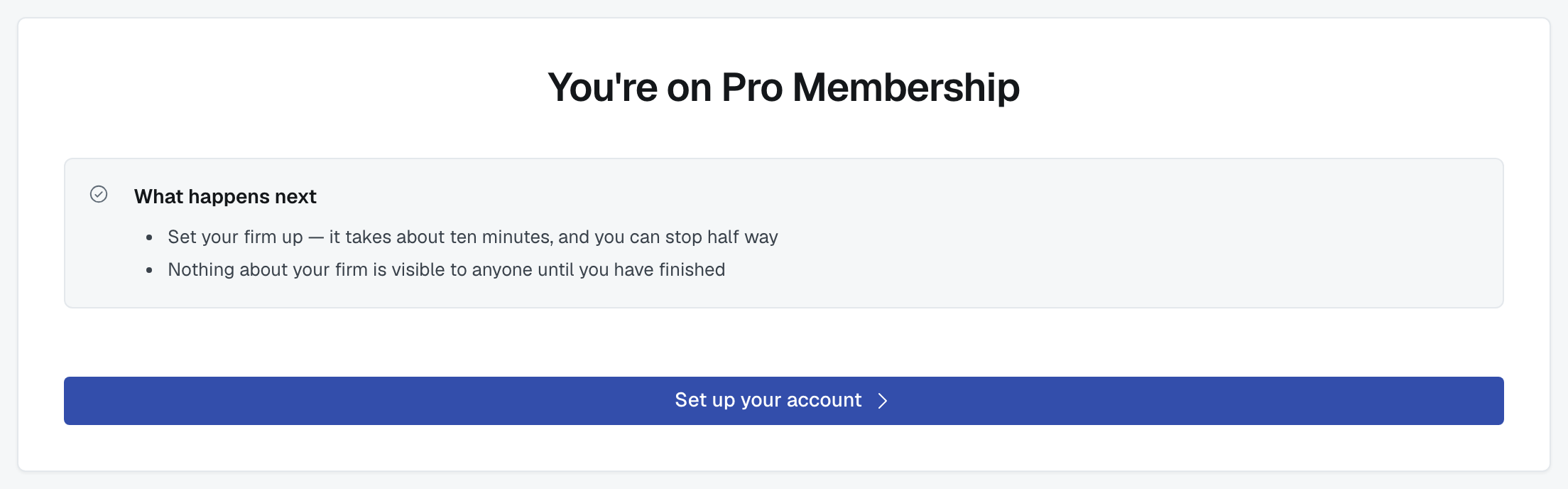
What happens
Choose Pro (at signup, or from Settings › Subscription) and you're taken to Stripe's secure checkout page, with your firm's tier and price already set. Enter your card, confirm, and you're returned to FirmLinks.
Only an administrator can start a checkout, because it commits the firm to a payment.
When it completes
You come back to a confirmation, and your plan is live: creating engagements, creating groups and open networking are all switched on.
If the page takes a second to catch up, that's normal — we're told about the payment two ways at once (your return, and a message straight from Stripe) so nothing is lost if your browser closes at the wrong moment. Refresh Settings › Subscription and you'll see the plan.
When you cancel out of it
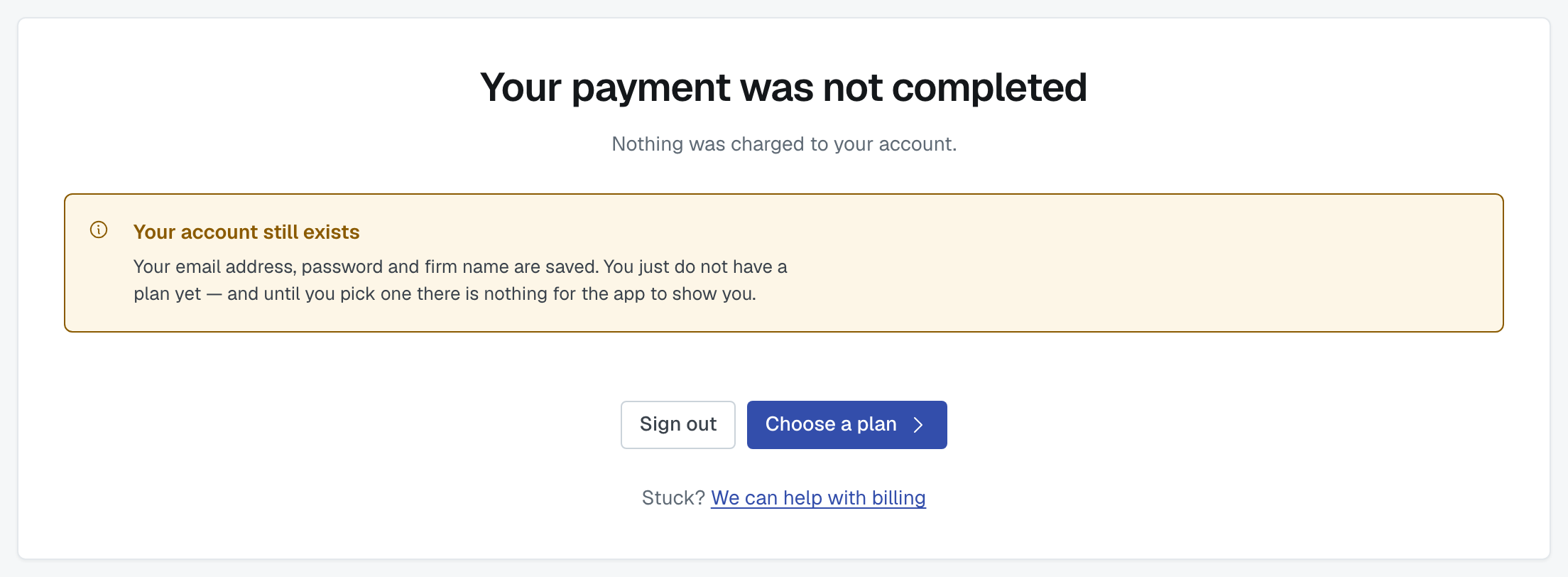
If you close Stripe or press back, you return to the plan choice. Nothing was charged, and nothing changed. Your firm stays exactly as it was — on Free, or on the plan it already had. Start again whenever you like.
Your receipts and your card
Settings › Subscription has a link to the billing portal, where you can update your card, see invoices and download receipts. That's Stripe's own portal, so it's the authoritative place for anything about payments.
If checkout won't start
Two reasons, both ours rather than yours:
- Billing isn't configured on this environment — you'll see a plain refusal rather than a broken payment page. Nothing is charged.
- You're not an admin. Ask an administrator at your firm to do it.
Either way, contact support and mention what you saw. Nothing is ever half-charged: if you didn't reach Stripe's page and complete it, there's no payment.
Was this article helpful?
That’s Great!
Thank you for your feedback
Sorry! We couldn't be helpful
Thank you for your feedback
Feedback sent
We appreciate your effort and will try to fix the article